
Human Benchmark Reaction Time Test: What Your Score Means
How the Human Benchmark reaction time test works, what its 273 ms median means, why phones score slower, and how to compare your reaction time fairly.
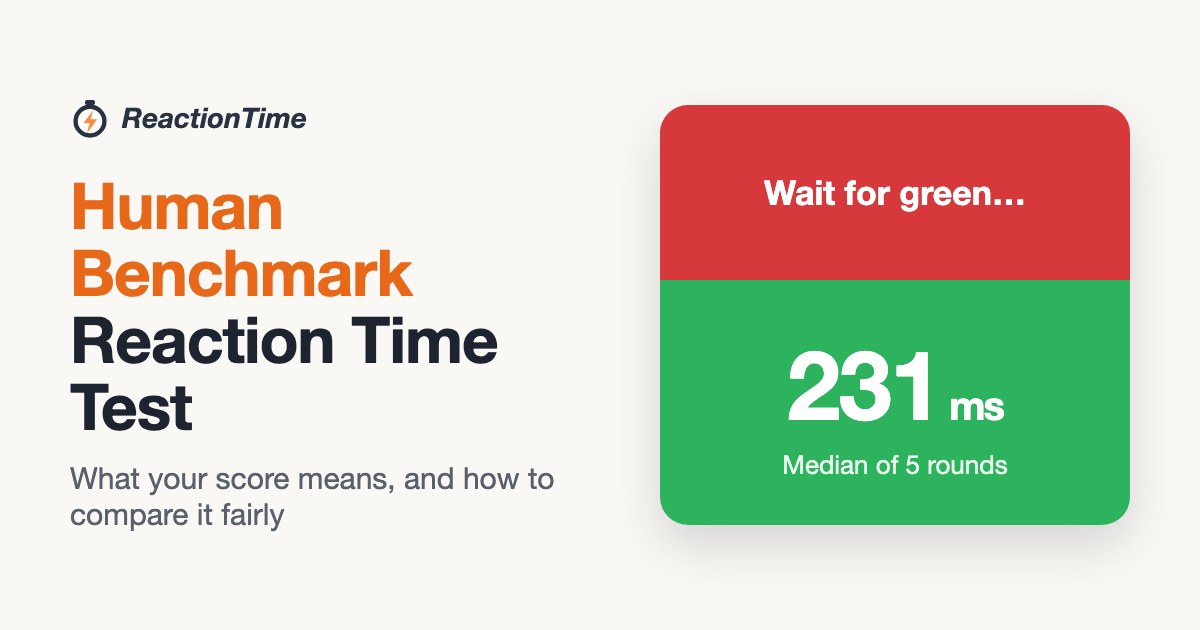
If you have ever searched for a reaction time test, you have probably landed on Human Benchmark. Its reaction time test is one of the best-known ways to measure how fast you respond, and its "median of 273 ms" is the number most people use to judge their own score.
This guide explains how the Human Benchmark reaction time test works, what that median really tells you, why the same person can score very differently on a phone and a computer, and how to compare your reaction time fairly, whether you are a gamer, a student with a science project or just curious.
How the Human Benchmark reaction time test works
The format is simple, and most online reaction tests now copy it:
- You click to start, and a red panel appears.
- After a random wait, the panel turns green.
- You click as quickly as you can. Your time is shown in milliseconds (ms).
- Clicking before the panel turns green counts as too early, and the round restarts.
- After several rounds you see your average.
The random wait is the important part. Because you cannot predict when green will appear, you have to react to it rather than time a rhythm. That is what makes it a test of simple visual reaction time.
Human Benchmark is a separate website at humanbenchmark.com. Searching for it also turns up many lookalike sites with similar names, so check the address if you want the original. Its other tests include aim, typing, and several memory challenges.
What does the 273 ms median mean?
Human Benchmark states that the average (median) reaction time is 273 milliseconds, according to the data collected so far on its own test. Two details matter when you compare yourself with it:
- It is a median, not a mean. Half of the recorded results are faster than 273 ms and half are slower. A median is less affected by a few very slow or very fast scores, so it describes the typical result well.
- It comes from that test and its visitors' devices. Every score includes the delay of the screen, mouse or touchscreen and browser used. A median collected on one website is a useful reference point, but it is not a universal human constant.
As a rough guide for a simple visual test on a computer with a mouse:
| Average | What it usually means |
|---|---|
| Under 150 ms | Exceptionally fast, and rare to repeat consistently |
| 150–199 ms | Very fast |
| 200–249 ms | Fast, better than typical |
| 250–299 ms | Typical |
| 300 ms and up | Slower than typical, often device lag or tiredness |
These ranges are a quick way to read a number, not a medical or professional standard.
Why your score changes between devices
The biggest surprise for many people is how much the device matters. A reaction time test measures everything between the signal appearing and your input being registered, and some of that time belongs to your hardware:
- Screen refresh. A 60 Hz display draws a new frame about every 16.7 ms, so the green panel can appear up to one frame later than the test asked for. Faster displays shrink that gap.
- Touchscreens. Phones and tablets usually add more input delay than a wired mouse, which is why mobile scores tend to be slower.
- Wireless mice and keyboards can add a few milliseconds compared with wired ones.
- A busy browser. Other tabs, video and heavy apps can delay when the signal is drawn.
So if your phone says 310 ms and your desktop says 240 ms, you have not suddenly slowed down. Compare results taken on the same device, and treat scores from different sites or devices as separate.
How to get a fair reaction time result
- Use the same device and input method every time.
- Rest a finger on the mouse button or key before each round.
- Do a short warm-up set first; early rounds are often slower.
- Look at a full set of rounds rather than your single best click.
- Check the median as well as the average, because one slow round can drag the average up.
Is there a Human Benchmark–style test that works on a phone with no sign-up?
Yes. Most simple reaction tests, including Human Benchmark, run in the browser and do not need an account. The ReactionTime test uses the same red-to-green format and works with a mouse, a keyboard (Space) or a tap on a phone. It runs five rounds and shows your average, median and best time, flags false starts, and also has an F1 start-lights mode where you react to five red lights going out. It is available in English, Japanese and Korean.
Just remember the device rule above: a phone result and a desktop result are not directly comparable.
Using a reaction time test for a science project
An online test is an easy way to collect data for a school experiment:
- Pick one question, for example: does background music change reaction time?
- Keep everything else the same: the same computer, mouse, test mode and room for every participant.
- Record full sets. Have each person complete five rounds and write down the average and median in milliseconds.
- Change one condition and repeat, for example with music playing.
- Compare the averages in a bar chart and note anything unusual, such as a participant who was tired.
Testing several people several times gives far more reliable results than comparing one person's single best click.
Does a faster reaction time make you better at games?
Reaction time helps in fast games such as shooters, fighting games and racing, where the first response often decides the moment. But a simple reaction test only measures one part of performance. Aim, positioning, prediction and game knowledge matter just as much, and many players with average reaction times rank highly because they anticipate what will happen next.
If you play competitive games, use a reaction test to track your consistency over time on your own setup, rather than chasing a single record.
The bottom line
The Human Benchmark reaction time test made the red-to-green format famous, and its 273 ms median is a handy reference. Read it as "typical for that test and its users' devices", compare your own results on one setup, and look at a full set of rounds. If you want to try it yourself, the free ReactionTime test takes about 30 seconds.